1. Build the sneaker in Claude
Open a project in Claude Code, select Sonnet 5.5, and paste this prompt. Review the animation in your browser.
Build an editable 15-second Three.js sneaker animation. Use simple matte 3D objects in a square frame. Start with a mint, ivory and lilac sneaker on a rock in an alpine landscape. The sole compresses, rebounds and lifts. Move the camera over the heel and through the ankle opening into a miniature forest. Follow a river between tall trees, oversized pale flowers, small clouds and pink stone arches. End by approaching a smaller copy of the opening sneaker and rock. Use one smooth, continuous camera move with gentle acceleration and banking. Keep the route through the shoe open. Add play, pause and a timeline scrubber outside the rendered canvas. Make geometry, colors and camera keys easy to edit. Run the preview. Then export sneaker-motion.mp4 at 1080 × 1080, 60 fps, 15 seconds, H.264, and export its first frame as sneaker-first-frame.png. Use deterministic frame rendering and FFmpeg so playback and export match. Keep controls and text out of the video. Set up the export tools and verify that the files play correctly.
3. Get the timing with Gemini
In Google AI Studio, select Gemini 3.8 Flash and upload the MP4. Paste this prompt. Check the timestamps against the video and save the motion description.
Watch the attached sneaker animation. Make a short table of timestamp ranges (MM:SS), camera movements and visible actions, from start to finish. Use only what appears in the video. Mark uncertain timings as approximate. Then write a concise Seedance 2.5 prompt that follows this sequence. Use [Video1] for motion and [Image1] for appearance.
4. Prepare the AI start frame
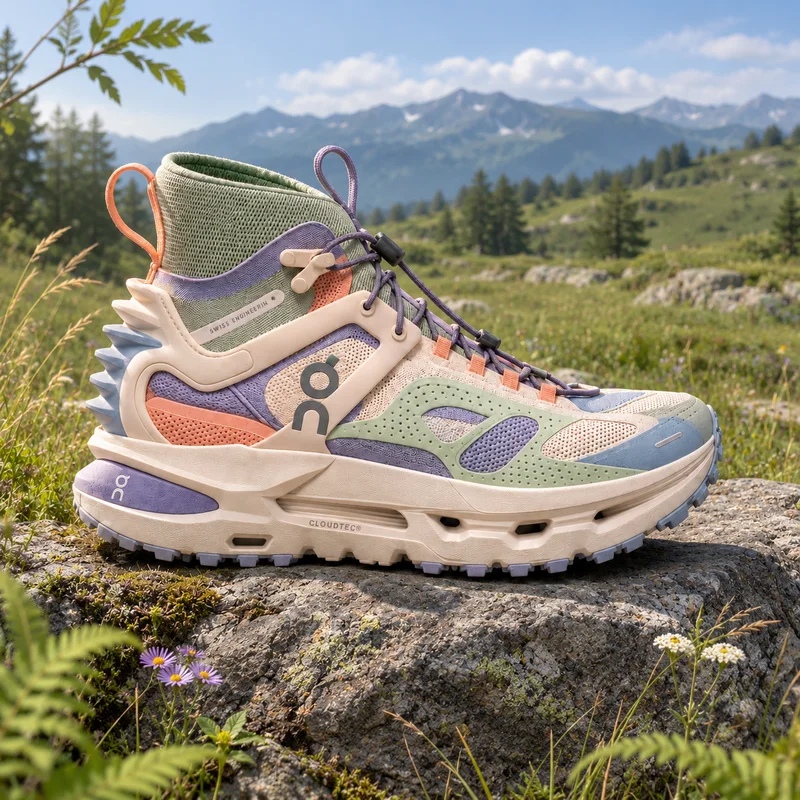
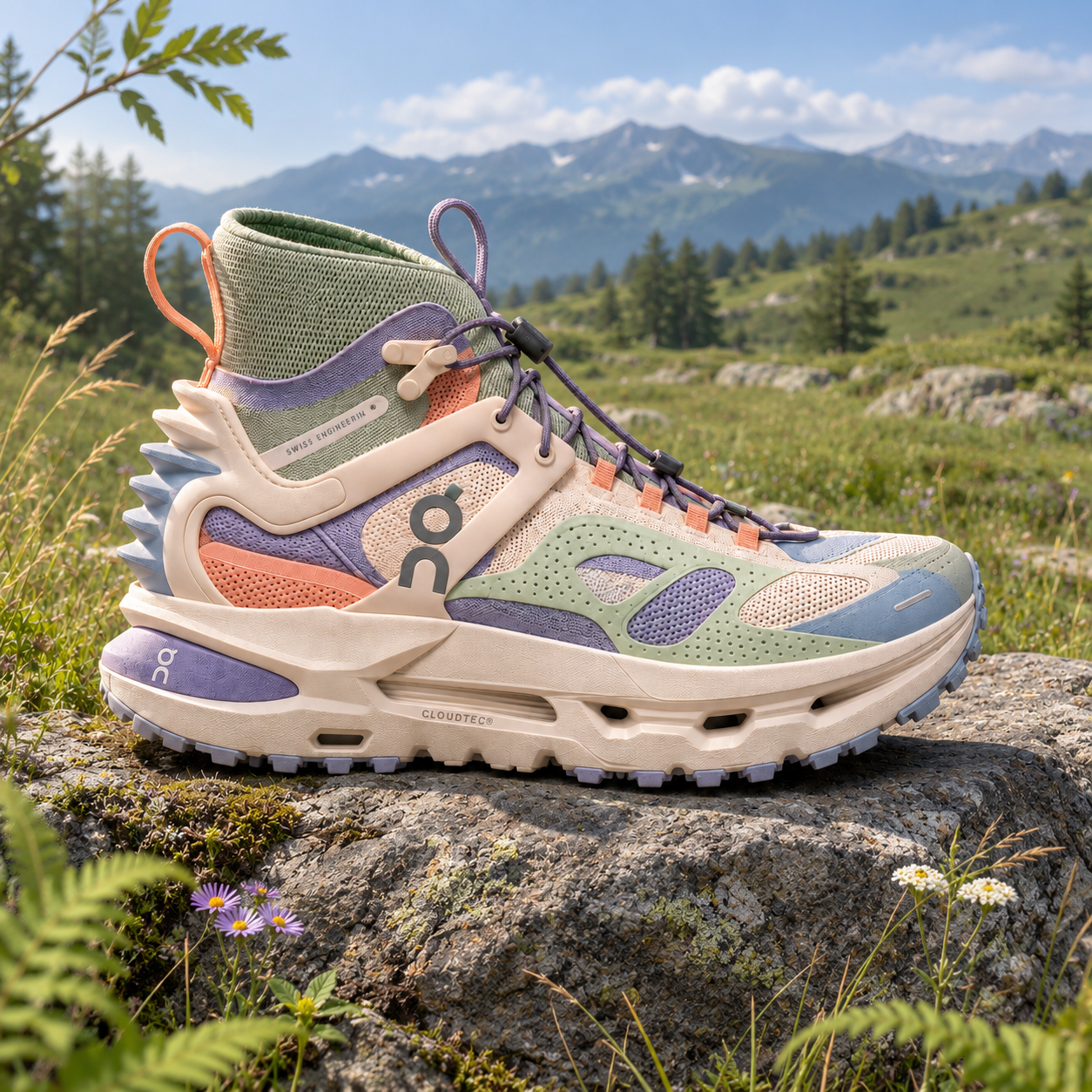
Use the AI start frame above, or make your own with Nano Banana Pro in Sequencer. Upload your exported Three.js first frame and use this prompt to create a square image.
Turn this sneaker frame into a hyperreal footwear campaign image. Preserve the shoe design, pastel mint, ivory and lilac colors, proportions, camera angle, framing, rock and alpine setting. Add detailed knit fibers, soft suede, molded foam, weathered stone and natural grass. Use clear alpine daylight, soft shadows and photographic material detail. Keep the same composition in a square image. No added text or objects.
5. Generate with Seedance 2.5
Open Sequencer’s video generator and choose Seedance 2.5. Attach these two files:
Reference Video → the Three.js MP4
Reference Image → the AI start frame
Set 15 seconds, 1:1 and audio off. The prompt below includes the sneaker sequence and timings. For your own animation, replace the timings with Gemini’s reviewed timestamps. Match [Video1] and [Image1] to the attachment labels, then generate.
Create a 15-second, square, silent footwear film as ONE UNINTERRUPTED CAMERA TAKE. Hyperreal luxury product photography inside an impossible miniature landscape. [Video1] guides camera movement, blocking and timing. [Image1] defines the sneaker's exact design, proportions, pastel colors, opening composition and alpine daylight. Preserve the same shoe throughout. 00:00-00:01: Begin on the sneaker resting on weathered granite. Compress the heel and foam sole, then rebound into a small hover. Lace ends lift; faint vapor escapes the sole vents. 00:01-00:02.5: Sweep forward and upward over the heel toward the actual ankle opening. Keep the knit collar in view as it grows around the lens. 00:02.5-00:04: Pass through the shadowed, green-lined shoe interior with the forest visible ahead. Descend and curve into low forward flight as the miniature trees become full-size. 00:04-00:06.5: Glide between tall pine trunks above mossy ground and boulders. Bank gently toward the winding river, keeping the route spatially connected. 00:06.5-00:09: Follow the river between enormous pale-pink translucent flowers. Sweep close beneath petals, revealing fine veins, dew and glowing edges. Small separate cloud tufts drift above the water; stems and grass sway softly. 00:09-00:12.5: Continue along the same river through successive rose-pink mineral arches. Show crystalline inclusions, wet stone, water reflections and soft sunlight passing through the arches. Keep moving forward. 00:12.5-00:15: Reveal a miniature copy of the original sneaker on its alpine rock. Approach it physically until the opening product framing returns, then settle into the final composition. Keep the shoe design and lighting consistent. Carry photographic detail through the whole scene: knit fibers, suede nap, foam pores, natural bark, individual grass blades and flowing water. Use soft bounce light, subtle atmospheric depth and controlled motion blur. Keep camera acceleration smooth and well-damped through every transition. No cuts, dissolves, blackouts, teleportation, added text or cartoon shading.
Watch the full result. Check that the camera follows the guide and the sneaker stays consistent, then download.